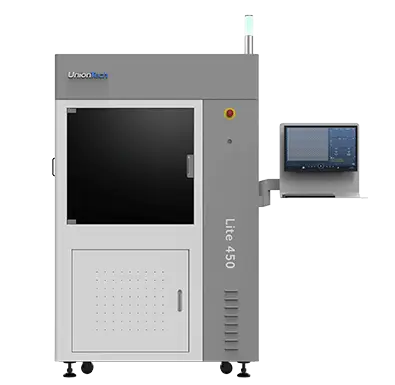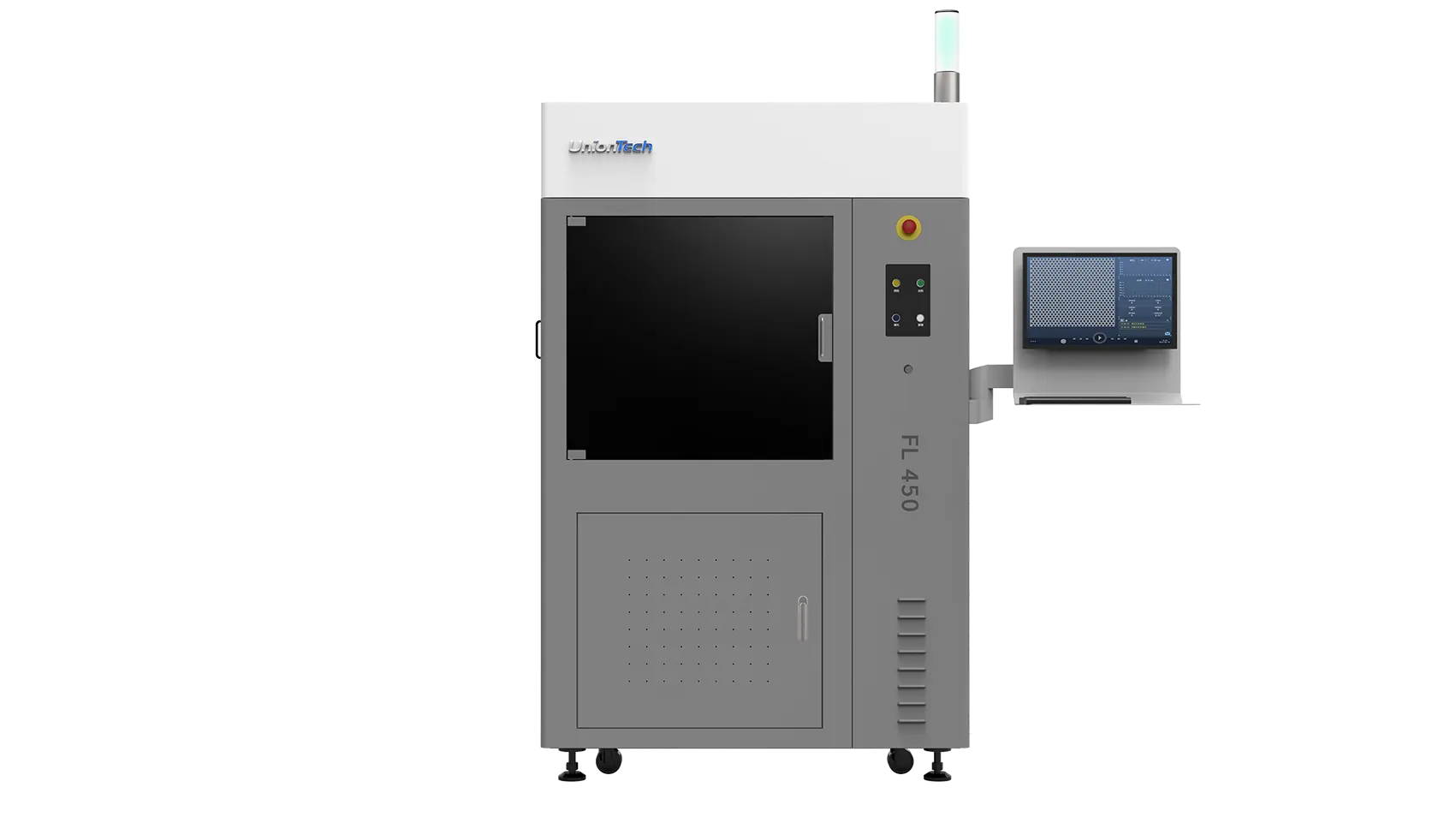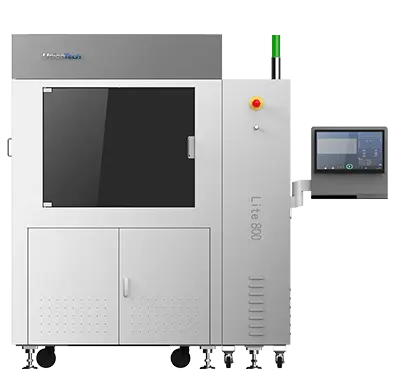
The core strength of Stereolithography (SLA) technology is its ability to use a wide variety of advanced photopolymer resin materials. These materials range from standard prototyping formulations to highly specialized engineering, medical, and high-temperature resins. For any facility running industrial-grade equipment—especially the large-format systems offered by an industria printer manufacturer like UnionTech—the ability to efficiently and cleanly switch between these materials is essential for maintaining production flexibility and maximizing machine uptime.
Switching resin in a large SLA printer, such as the UnionTech RSPro series, is a more involved process than with small desktop units. It requires a systematic approach to ensure no cross-contamination occurs, which could compromise the mechanical properties of subsequent prints.
The Necessity of Switching Resin Materials
In an industrial setting, the need to change resin materials frequently arises from the requirement to produce parts with highly specialized characteristics:
Mechanical Testing: Switching from a general-purpose resin to a tough, engineering-grade formulation to validate a design’s strength and durability.
Aesthetic or Functional Prototypes: Moving from a standard opaque resin to a clear, water-resistant stereolithography resin for parts like lenses or fluid flow models.
Specialized Applications: Transitioning to high-heat, flame-retardant, or biocompatible resins for use in automotive, aerospace, or medical components.
Attempting to mix residual old resin with a new, chemically distinct material will severely compromise the properties of the latter. Therefore, a clean, meticulous workflow is non-negotiable for high-quality, repeatable results.
5 Steps to a Clean Resin Change on a Large SLA System
Switching resin on a large-format stereolithography resin printer involves five key phases, focusing on safety, removal, cleaning, inspection, and preparation.
Before starting any work, safety is paramount. The operator must wear appropriate Personal Protective Equipment (PPE), including nitrile gloves, safety glasses, and a lab coat. Ensure the printing area is well-ventilated and have all necessary cleaning supplies—such as clean containers, solvent (like Isopropyl Alcohol or a specialized resin cleaner), a rubber squeegee, and lint-free wipes—readily available. Turn off the printer’s laser and lock out the system to prevent accidental activation.
For large industrial machines, which can hold substantial volumes of resin, this step is the most time-consuming:
Drain the Resin: Many advanced industrial 3D printer manufacturer machines, including those from UnionTech, feature a draining system. The operator initiates the draining process to transfer the bulk of the old resin from the vat into an opaque, sealed storage container (labeled clearly with the material type).
Squeegee Residual Resin: Once the automated draining is complete, the operator uses a clean rubber squeegee to gently move the remaining viscous resin toward the drain port or a removable section, minimizing waste and leaving the vat as dry as possible.
This is the most critical phase for preventing cross-contamination:
Initial Wipe: Use a clean, lint-free wipe to remove any heavily pooled residue inside the vat.
Solvent Wash: Apply the designated cleaning solvent (e.g., IPA) liberally to the vat walls and floor. The operator should use caution and gentle pressure to avoid scratching the optical window (the vat floor) as micro-scratches can scatter the laser and ruin print quality. For large printers, using a pump system to flood and drain the solvent is often more efficient than manual scrubbing.
Platform Cleaning: The build platform must be removed and thoroughly cleaned with solvent and a light scraper to remove all cured and uncured resin before being wiped dry and set aside for reinstallation.
After cleaning, the entire system must be inspected before introducing new resin materials:
Vat Inspection: Visually inspect the inside of the resin vat for any remaining specks of cured material, especially in the corners or near the recoater bar mechanism. Any speck of cured material can act as a catalyst for new resin curing or potentially damage the optical window or recoater.
Mechanical Integrity: Check the recoater/scraper blade for damage or wear, and ensure the build platform is calibrated correctly before the next print.
The final step is to introduce the new material:
Pouring: Carefully pour the new resin into the clean vat, monitoring the fill level to match the recommended maximum line.
Preparation: Once the new stereolithography resin is added, the printer’s internal resin heating system (if equipped, such as in many UnionTech models) must be engaged to bring the material to the optimal operating temperature specified by the industrial 3D printer manufacturer. This ensures consistent viscosity for accurate recoating and reliable curing.
Software Update: Load the corresponding resin profile in the slicing and control software. This profile contains the precise laser power, scanning speed, and layer thickness settings necessary for that specific material to print successfully, completing the material switch.
Conclusion
Successfully switching resin materials on a large-format SLA system is a core competency in operating industrial additive manufacturing equipment. It ensures that the versatility of the technology can be fully leveraged across diverse applications. By adhering to a rigorous, systematic process—focusing heavily on meticulous cleaning and component inspection—operators using a machine from an industrial 3D printer manufacturer like UnionTech can achieve seamless transitions between different stereolithography resin types. This meticulous approach is what maintains print accuracy, prolongs equipment life, and ultimately delivers the high-quality, application-specific parts required by modern industrial clients.