Choosing an industrial 3D printer for your business comes down to one practical question: what production problem does this machine need to solve? That framing matters because a printer isn’t just a line item on a purchase order — it touches your design cycles, outsourcing costs, delivery commitments, and the consistency your team relies on week after week. A desktop printer can handle simple concept models well enough. But when a business needs accurate prototypes, molds, fixtures, dental models, or low-volume production parts, it needs a system built for repeated professional work. That distinction is critical, because in a business context, printing is judged by output reliability, not by novelty.
What Should You Check Before Buying an Industrial 3D Printer?
Before comparing prices, it’s worth stepping back to assess your application, part size, accuracy requirements, material needs, operator workload, and expected utilization. These factors ultimately determine whether a printer will reduce costs or sit idle. Start with the part itself. A smooth-surface appearance prototype, a casting pattern, a shoe mold, and a medical model may all demand different materials and post-processing steps. Then look at your workflow. If your team regularly spends hours repairing files, adding supports, or reprinting failed jobs, a low purchase price can quietly disappear in accumulated labor costs.
| Buying Question | Why It Matters |
| What parts will we print most often? | Defines the printing technology and material range |
| How large are the parts? | Prevents build-volume limits after purchase |
| How many jobs run per week? | Shows whether the system can support real utilization |
| Who will operate the printer? | Affects training, software, and support needs |
| What must the final part prove? | Separates visual samples from functional validation |
The right industrial 3D printer should match your business case first — the specification sheet comes second.
How Is an Industrial 3D Printer Different from a Commercial 3D Printer?
The key difference between an industrial and a commercial 3D printer isn’t just price — it’s what happens when uptime, part consistency, and operator time start affecting customer delivery. The difference becomes clear when uptime, part consistency, and operator time start to affect customer delivery. A commercial printer works well for design teams printing samples occasionally. Manufacturers, service bureaus, and labs, however, typically need stronger process control, larger build formats, validated materials, and dependable service support. Consider two teams. Team A prints a casing prototype once a month. Team B prints customer parts every day and ships on schedule. Team B doesn’t just need a machine — it needs a production workflow.
So when people search for the best industrial 3D printer, the answer shouldn’t default to the most expensive option. It should point to the system that consistently produces qualified parts with the least rework.
How Do You Calculate TCO and ROI for a 3D Printer for Business?
The right way to evaluate a business 3D printer is by cost per qualified part — not by the machine price alone. Total cost of ownership (TCO) covers materials, labor, failed prints, maintenance, software, training, and downtime. Return on investment (ROI), meanwhile, should be measured by business outcomes, not just machine utilization. Return on investment, or ROI, should focus on business outcomes. If in-house printing shortens prototype approval, reduces outsourcing, or helps your team accept new orders, the printer creates value beyond the first invoice. For example, a product team may use a 3D printer for business to reduce waiting time for outsourced prototypes. A service bureau may use the same investment to keep more customer projects in-house.
A simple review process works well:
A business printer earns its place when the payback logic holds up — not just when the specs look impressive.
Which UnionTech 3D Printer Options Fit Professional Business Use?
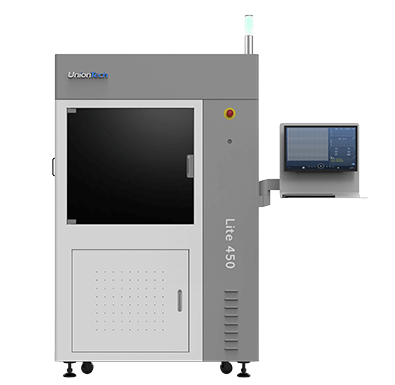
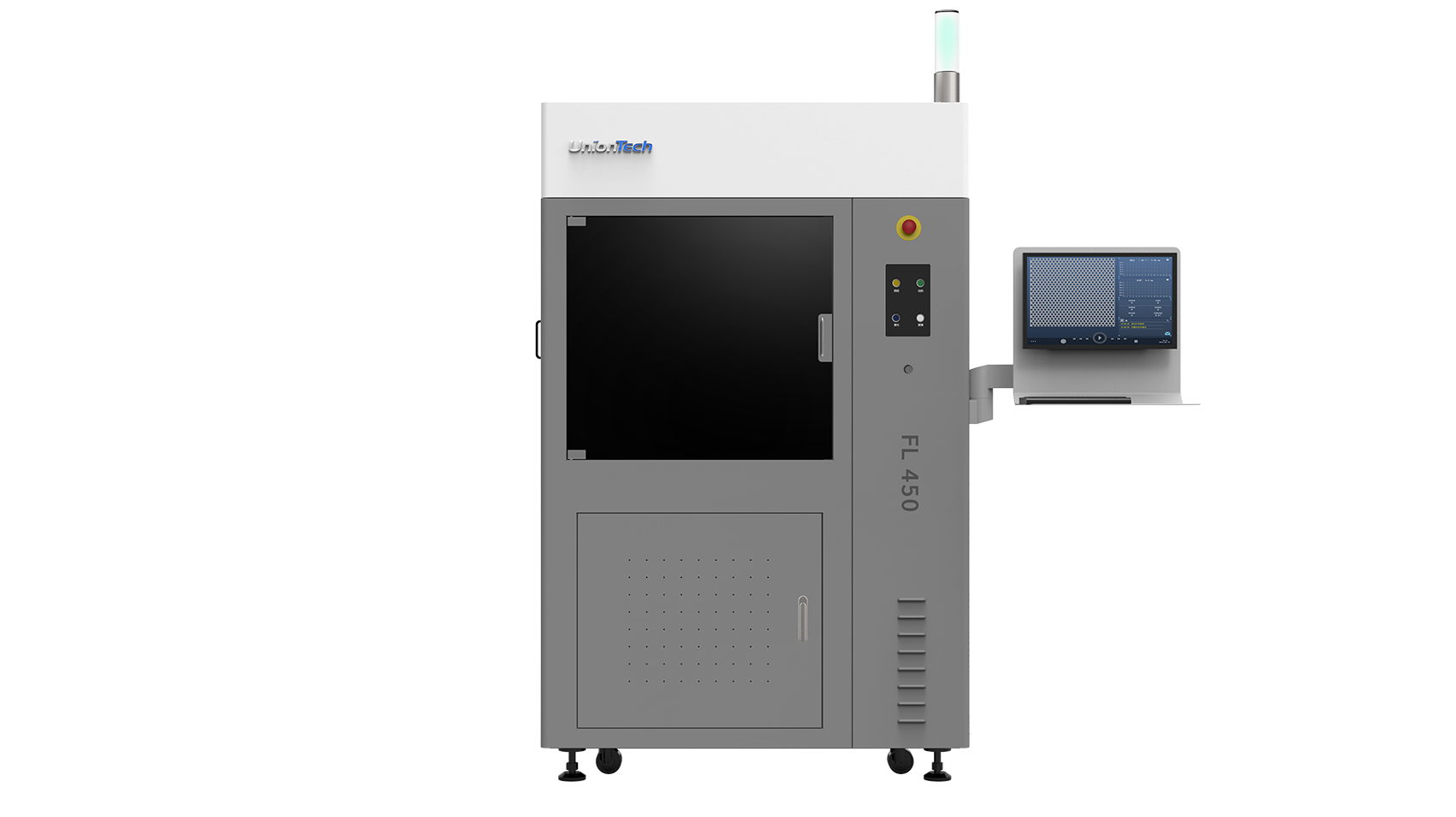
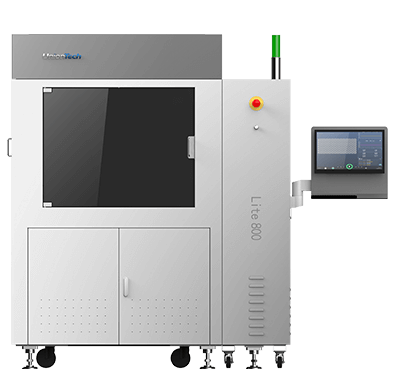
For business users, one of the most common frustrations with industrial 3D printing is gaps in the process — a strong printer paired with limited material options, or capable hardware with software that doesn’t match the workflow. UnionTech addresses this by providing printers, materials, software, and application support as an integrated ecosystem, so the process holds together from file preparation through to finished part. Founded in 2000, UnionTech has spent over two decades focused on industrial 3D printing across sectors including prototyping, automotive, aerospace, footwear molds, tire molds, dental, and medical applications. On the stereolithography (SLA) side, UnionTech offers the RSPro, PILOT, and Lite product lines. SLA is a strong fit for applications requiring smooth surface finishes, fine feature resolution, and consistent part quality across large-format resin builds — which is why it’s widely used in prototyping, casting, and dental workflows.
| Business Need | Suitable Direction |
| Large prototypes or batch production | RSPro series |
| Professional prototyping and workshop use | PILOT series |
| Cost-aware industrial resin printing | Lite series |
| Shoe mold or tire mold applications | Industry-focused systems |
| File preparation and workflow control | UT ONE and Polydevs software |
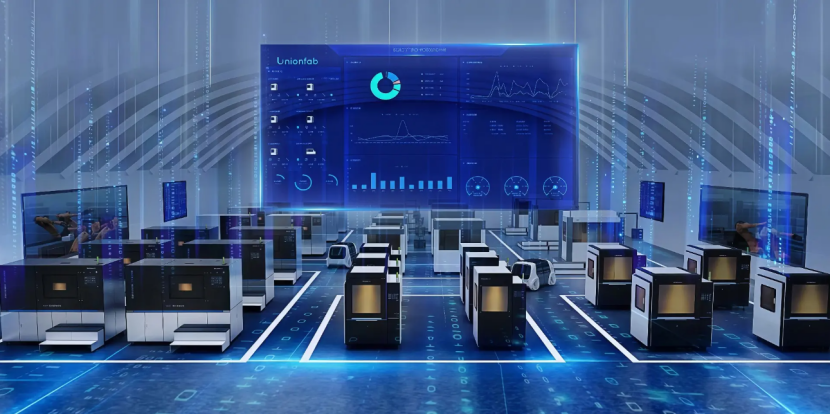
For companies moving beyond desktop printing, the decision isn’t only about which machine to buy — it’s about whether the full workflow is supported. UnionTech’s approach covers application consultation, material selection, software preparation, operator training, and long-term production support, which reduces the risk of investing in hardware that can’t keep up with real business demands. If your team is evaluating an upgrade to industrial-grade production, reach out to UnionTech to walk through your application requirements and find a suitable solution.