経験豊富なユーザーや上級者でも、 3Dプリンタ 失敗した印刷に遭遇することがあります。小さな設定ミスが1時間の印刷を無駄な材料に変えてしまうことがあります。だからこそ、3Dプリントのトラブルシューティングは機械を再起動することではなく、失敗点を特定することです。.
数千の実際の印刷ケースからのトラブルシューティングデータによると、表面の粗さ、反りやカール、未硬化、層のずれが最も頻繁に報告される3D印刷の問題の中に残っています。.
樹脂ベースのSLA 3D印刷では、多くの失敗がいくつかの再現可能なチェックポイントに起因することもあります:樹脂の状態、液面の安定性、再コーティングまたはスクレーパーの動き、Z軸の動き、レーザー出力、光学的清浄度、サポート設計。.
良いニュースは、ほぼすべての一般的な3Dプリンターの問題は診断可能であるということです。このガイドでは、実用的な3D印刷のトラブルシューティング手順、なぜそれが発生するのか、そしてそれを修正する方法を説明します。.
添加製造における失敗は、単一の原因から生じることはほとんどありません。3Dに関する問題は一般的に4つのカテゴリに分類されます:
SLAプリンターの場合、ハードウェアチェックにはZ軸、バランスブロック、ガイドレール、スクレーパー、メッシュボード、真空吸着システム、液面センサー、全体的な機械のレベル調整が含まれるべきです。.
光学ハードウェアも同様に重要です。レーザー出力が不安定であったり、光点が異常であったり、光路がずれている場合、プリンターは弱い層、詳細の欠落、一貫性のない硬化、または不正確な寸法を生成する可能性があります。.
ソフトウェア設定は3Dモデルをプリンター用の指示に変換します。.
SLAワークフローでは、ユーザーは前処理データが正しいか、プロセスパッケージが選択した樹脂と一致しているか、サポートが欠けていないか、印刷がソフトウェアで正しくシミュレーションできるかを確認する必要があります。.
ソフトウェアの印刷記録は隠れた問題を診断するのに役立ちます。印刷フォルダーを確認することで、オペレーターは印刷中に液面が変動したか、スクレーパーが正しく動いたか、Z軸の動きが期待される層のステップと一致していたかを確認できます。.
材料の品質は部品の構造的完全性を決定します。SLA印刷の場合、材料のトラブルシューティングは樹脂の粘度、樹脂の汚染、期限切れまたは不十分に混合された樹脂、樹脂タンク内の残留物に焦点を当てるべきです。樹脂が粘度が高すぎると、再コーティングが遅くなり、不均一になります。樹脂がほこり、硬化した破片、アルコール、または古い材料によって汚染されると、表面欠陥、硬化不良、またはランダムな印刷失敗を引き起こす可能性があります。.
3D印刷材料は周囲に敏感です。周囲の温度、高湿度、気流はプラスチックが急速に収縮する原因となることがあります。これらの条件はしばしば反り、不良接着、層の不均一性を引き起こします。.
SLA機器の場合、安定した印刷環境は約25°Cで湿度は40%未満です。プリンターはアルコール清掃機器からも遠ざけておくべきです。.
さて、最も一般的な3D印刷の課題を分解してみましょう。.
最初の層は全体の印刷の基盤です。プラスチックがビルドプレートに結合しない場合、部品は最終的に外れ、混乱を引き起こします。.
原因:
印刷物がベッドにくっつかない主な原因は、未硬化の樹脂の破片による表面汚染、オーバーハングのためのサポート構造の欠如、不十分なベッド接触を引き起こすモデルの不適切な向き、未硬化を引き起こす不正確な露光時間、そして信頼できる材料の接着を妨げる汚れたビルドプレートや樹脂バットです。.
解決策:
印刷物が外れないようにするためには、樹脂バットとビルドプラットフォームの定期的な清掃を確保してください。スライス中にオーバーハングのための適切なサポート構造を生成し、より良い接触のためにモデルの向きを最適化します。さらに、十分な硬化を保証するために露光時間をキャリブレーションし、古くなったビルドプレートを維持または交換します。.
ストリングは、構造間の薄い樹脂の跡や未硬化の接続として現れます。これにより表面品質が低下し、細かいディテールに影響を与える可能性があります。.
原因:
この問題は、樹脂の流れが不均一である場合、スクレーパーが汚れている場合、樹脂が粘度が高すぎる場合、またはレベリング時間が短すぎる場合に発生します。樹脂が次の露光の前に均等に沈殿できない場合、細部の周りに小さな跡、塊、または粗い領域が現れることがあります。.
解決策:
これを修正するには、リフト速度を減少させ、層間に短い遅延を追加します。また、スクレーパーの刃を清掃し、硬化した樹脂がスクレーパー内に蓄積されていないか確認します。スクレーパーが非常に汚れている場合は、取り外して刃を慎重に清掃します。スクレーパーの観察窓に樹脂が表示されない場合は、スクレーパーが樹脂表面に接触しているか、真空ポンプが機能しているか、チューブが詰まっているか、真空ボックスがひび割れているか漏れているかを確認します。.
さらに、樹脂の粘度が高い場合は、レベリング時間を増やすか、材料の状態に応じて新しい樹脂を追加または交換します。.
レイヤーシフトは、印刷された層が意図した位置からずれて、段差のあるまたは歪んだモデルを作成することです。.
原因:
原因は通常、Z軸のネジが緩んでいる、Z軸のステップロス、スクレーパーの動きのエラー、潤滑不良、またはスクレーパーの詰まりなどの機械的な不安定性です。これらの問題は、ソフトウェアの印刷記録を確認し、期待されるZ軸のステップと実際の記録された動きを比較することで特定できます。.
解決策:
解決策は、Z軸アセンブリを締め、スクレーパーガイドレールから硬化した樹脂を取り除き、リニアガイドレールを清掃して潤滑することです。潤滑後、滑動部分を手動で動かしてグリースを均等に分配し、取り付けボルトが緩んでいないか確認します。.
機械的な症状は、スライスパラメータを変更する前に修正する必要があります。.
未硬化とは、樹脂層が完全に固化せず、弱いまたは柔らかい部品を生じることを指します。.
原因:
これは、露光時間が短すぎる、UV光の強度が低下する、または樹脂の組成が現在の設定と互換性がない場合に発生します。.
その他の一般的な原因には、異常な光点サイズ、汚れた光学窓、汚染されたフィールドレンズまたはガルバノメーター保護窓、そして不正確なプロセスパッケージが含まれます。.
解決策:
これを解決するには、露光時間を徐々に増やし、機械に対して検証済みの樹脂プロファイルを使用してください。.
レーザーが正常に動作しているか確認してください。光出力がない場合は、シャッターが開いているか、レーザーとガルバノメーターの電源が入っているかを確認してください。光が存在するが硬化がまだ弱い場合は、レーザーがパワーディテクターの中心に当たっているか、ディテクターレンズが曇っているか、光学部品が清潔であるかを確認してください。.
光学クリーニングは、リントフリーの布と光学グレードのアセトンまたは無水エタノールを使用して行い、片方向に優しく拭いてください。レンズに強く押し付けたり、レンズの端に触れたり、光学表面を傷つけたりすることは避けてください。.
過剰硬化は、過度の光露出が詳細や寸法精度の喪失を引き起こすときに発生します。.
原因:
これは、過剰な露光時間または強い光強度によって引き起こされます。細かい特徴が最初に影響を受けることがよくあります。.
SLA印刷では、過剰硬化は不適切な光スポット補正、プロセス設定の不一致、または特徴を硬すぎたり大きすぎたりするサポート/エンティティパラメータに関連することもあります。壁の厚さの偏差は有用な信号です:測定された壁が目標よりも厚いまたは薄い場合、光スポット補正値を見直す必要があるかもしれません。.
解決策:
露光時間を段階的に減らし、スライスパラメータを最適化してください。.
寸法の問題については、150 mmのキャリブレーションテストピースを印刷し、測定結果に基づいてX/Yスケール係数を調整してください。壁の厚さの偏差については、全体のモデルサイズを変更するのではなく、光スポット補正値を見直してください。これにより、全体の寸法と細かい特徴の精度の両方を維持するのに役立ちます。.
Warping happens when the corners of the print lift and bend upward away from the build plate. It affects dimensional accuracy and surface quality.
原因:
Warping may come from poor support strength, too few supports on the bottom area, wrong part orientation, long cleaning soak time, high temperature, uneven placement during curing, etc. H-shaped structures, thin plates, and broad flat parts are especially prone to shrinkage deformation.
解決策:
For bottom deformation, avoid soaking parts too long during cleaning. Place parts flat during curing and keep the force distribution even.
Add stronger block-style supports at corners and bottom edges, change the part angle to reduce stress concentration, and strengthen the support structure where the part tends to curl.
This issue occurs when resin does not solidify in certain areas or the entire print fails to form.
原因:
Common causes include UV light failure and damaged vat film that blocks proper exposure. Sometimes, incorrect slicing also contributes.
Partial failure may be caused by the laser/scanner not starting, a laser power detection error, a dirty power detector window, an incorrect fixed laser power value, a liquid level fluctuation, a vacuum adsorption failure, or an unstable resin supply in the scraper.
解決策:
Test UV output, replace or filter resin, and inspect the vat film for scratches or clouding.
Also, simulate the job in software to confirm that supports, data, and the process package are correct. If the print record shows liquid level fluctuation, troubleshoot the liquid level first instead of changing the exposure only.
If the scraper has no resin, open the vacuum pump in the software, check whether the scraper contacts the resin surface, increase the vacuum negative pressure target within the allowed range, inspect the tube for blockage, and check whether the vacuum box leaks.
Surface defects like “zits”, bubbles, or small blobs can ruin the aesthetic finish of a model.
原因:
It is usually caused by trapped air in resin, dust contamination, dirty optical lenses, or inconsistent layer curing. Over-curing can also exaggerate surface defects.
解決策:
Filter resin before printing and clean the build platform. When cleaning optical parts, use only proper optical cleaning materials and wipe gently in one direction. Do not use rough cloth, excessive force, or random wiping motions, because scratches can permanently affect the optical path and print quality.
Controlled post-processing also improves final surface quality.
Weak internal structure happens when hollow or partially filled parts collapse or deform.
原因:
Weak internal structure is often related to unsupported islands, cup-shaped cavities without holes, large hollow sections without drainage, support parameters that are too soft, or poor bonding between supports and the part body.
解決策:
Check the support design before printing. If isolated areas appear, manually add supports. If the model includes cup-like geometry, add holes to reduce suction and trapped resin.
If supports or the solid body feel too soft after printing, adjust support settings and review filling speed or laser parameters according to the validated process package.
Gaps appear when parts of the model are missing, or layers fail to connect properly.
原因:
The cause is often inconsistent exposure, suction forces inside the vat, or incorrect model orientation. Resin flow restrictions can also contribute.
Gaps can also be caused by liquid level instability, bubbles or impurities, or dirty sensor surfaces.
解決策:
To solve this, adjust orientation to reduce suction, improve exposure consistency, and ensure vat film is in good condition. Proper slicing strategy reduces internal stress during printing.
Check the liquid level record in the software. If the liquid level fluctuates, inspect whether the part has large cup openings or flat surfaces, clear bubbles, and impurities near the sensor detection area.
Sometimes, fine details or thin walls on a model simply disappear during the slicing process.
原因:
This happens when resolution settings are too low, exposure is not fine-tuned, or post-curing causes shrinkage. Very thin geometries are especially sensitive.
解決策:
Increase resolution settings and reduce aggressive post-curing. Before printing high-detail parts, simulate the data to confirm that all fine features and supports are present. If small walls or features are dimensionally inaccurate, print a calibration part and review the X/Y scale and light spot compensation.
For very small details, avoid excessive cleaning soak time and avoid overheating during curing. Fine features should be placed and supported so that they do not deform under cleaning, gravity, or curing stress.
The first step is to carefully observe what the print is showing:
Most 3D printing issues are solved by leveling the bed, cleaning the surface, and drying the material. A structured troubleshooting process makes it much easier to identify the real source of the problem.
For more serious printing issues, contacting the manufacturer will be helpful.
Sometimes recurring 3D printing faults are not caused by settings alone. Machine stability also plays a major role. For industrial users who need consistent accuracy and reduced downtime, choosing professional-grade equipment is essential.
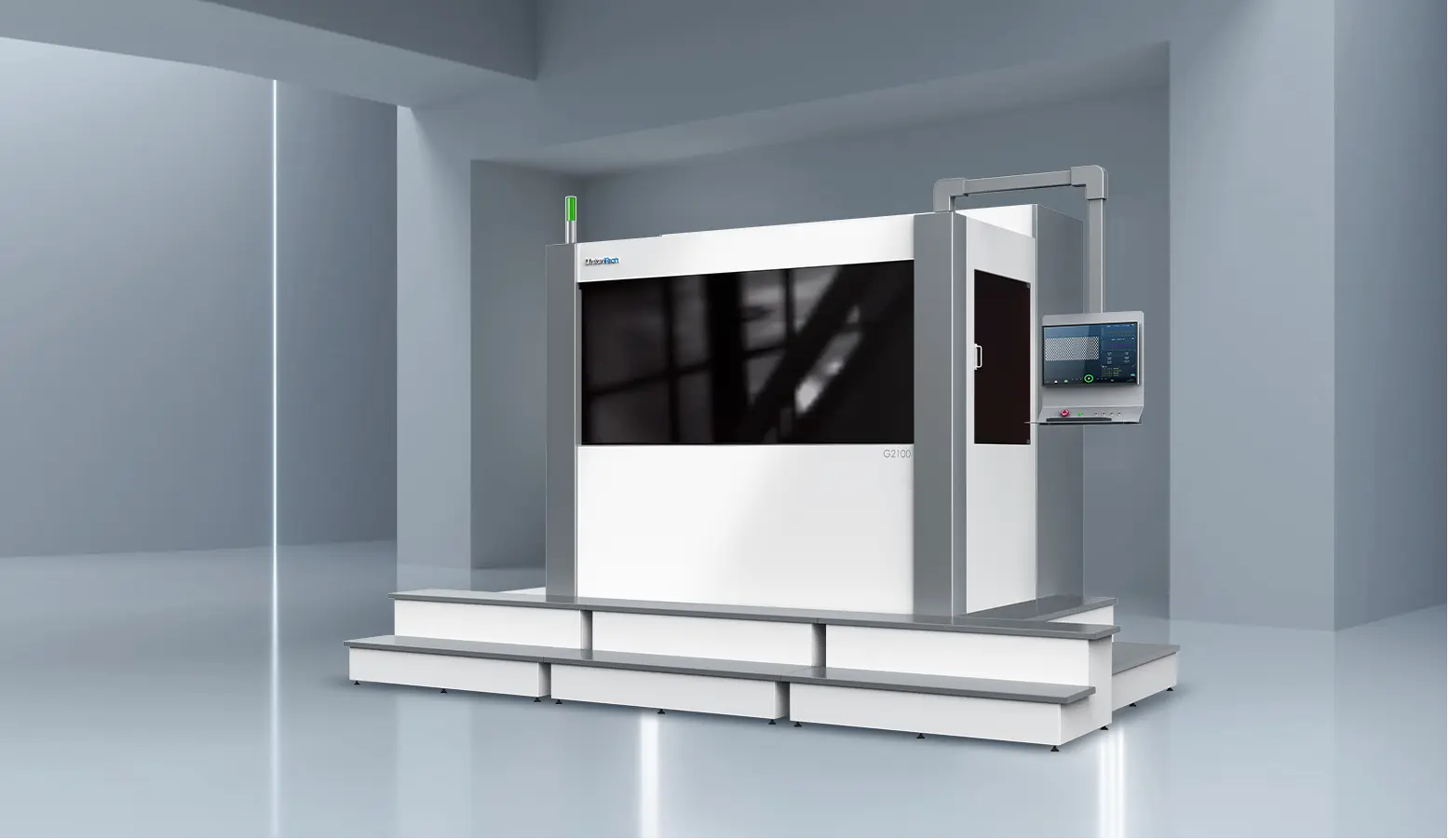
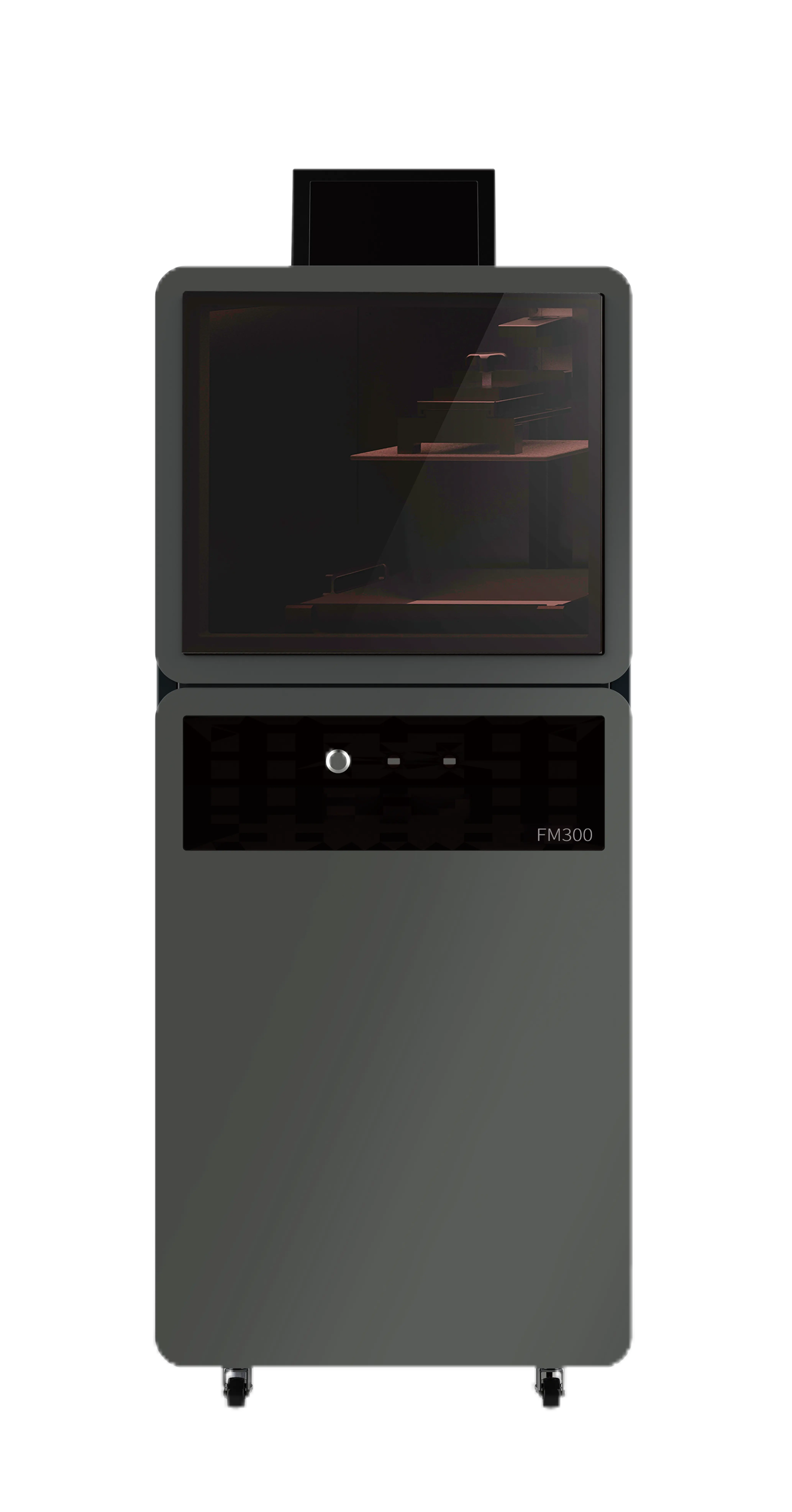
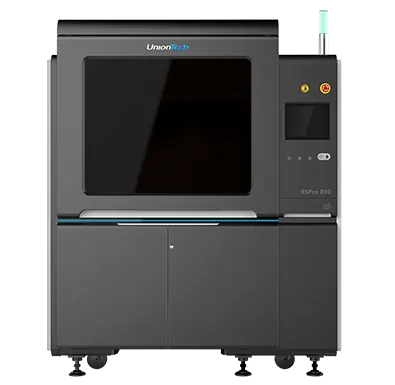
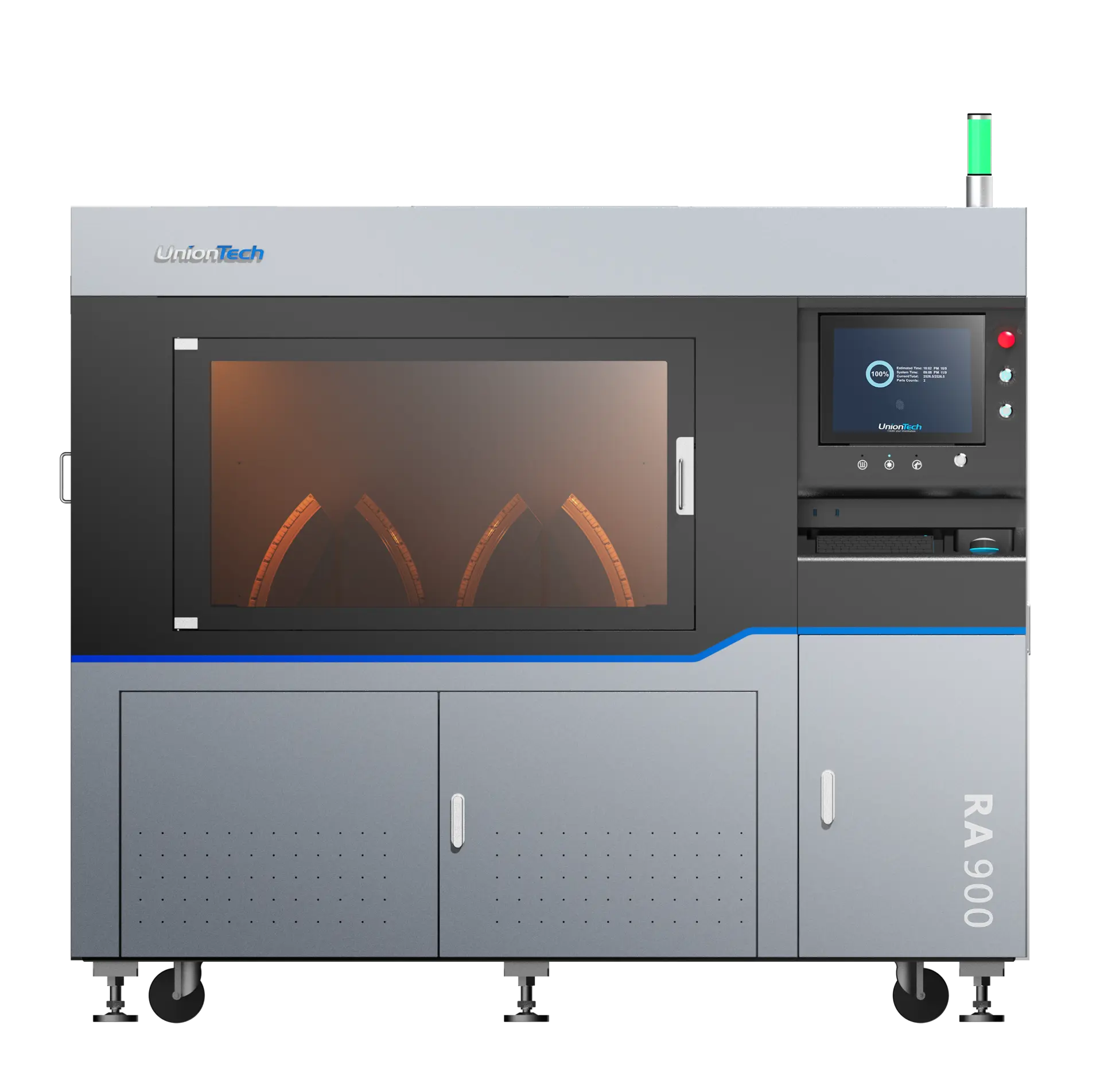
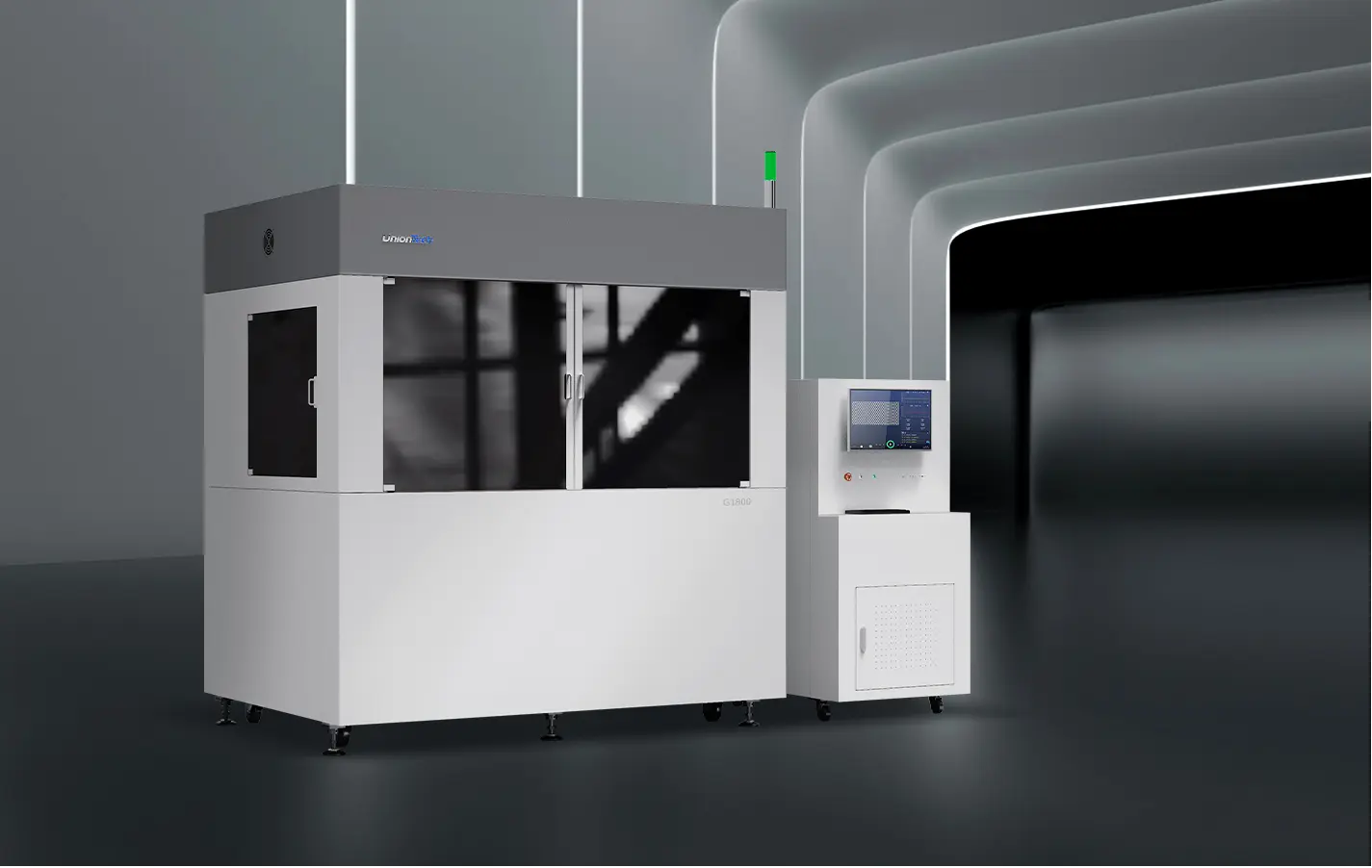
ユニオンテック is an experienced manufacturer of industrial 3D printing systems, known for its expertise in SLA technology. Their printers are designed for demanding applications such as:
UnionTechの機械は、安定したレーザーまたは光の性能、正確な動作制御、信頼性の高い樹脂処理などの利点を提供します。これにより、一般的な3D印刷の問題を減らし、全体的な生産の一貫性を向上させます。.
産業用3D印刷のニーズがある場合は、お気軽に お問い合わせください!